b66 Deposit Guide
By the end of this guide you will know exactly how to add funds to your b66 account using bKash, Nagad, Rocket, or Bank Transfer — including the minimum amount, expected arrival time, and what to do if something goes wrong.
The minimum deposit at b66 is ৳150. Funds sent via bKash, Nagad, or Rocket typically clear in under 5 minutes. Bank Transfer takes a little longer. Keep your transaction ID (TrxID) handy — you will need it in the deposit form.
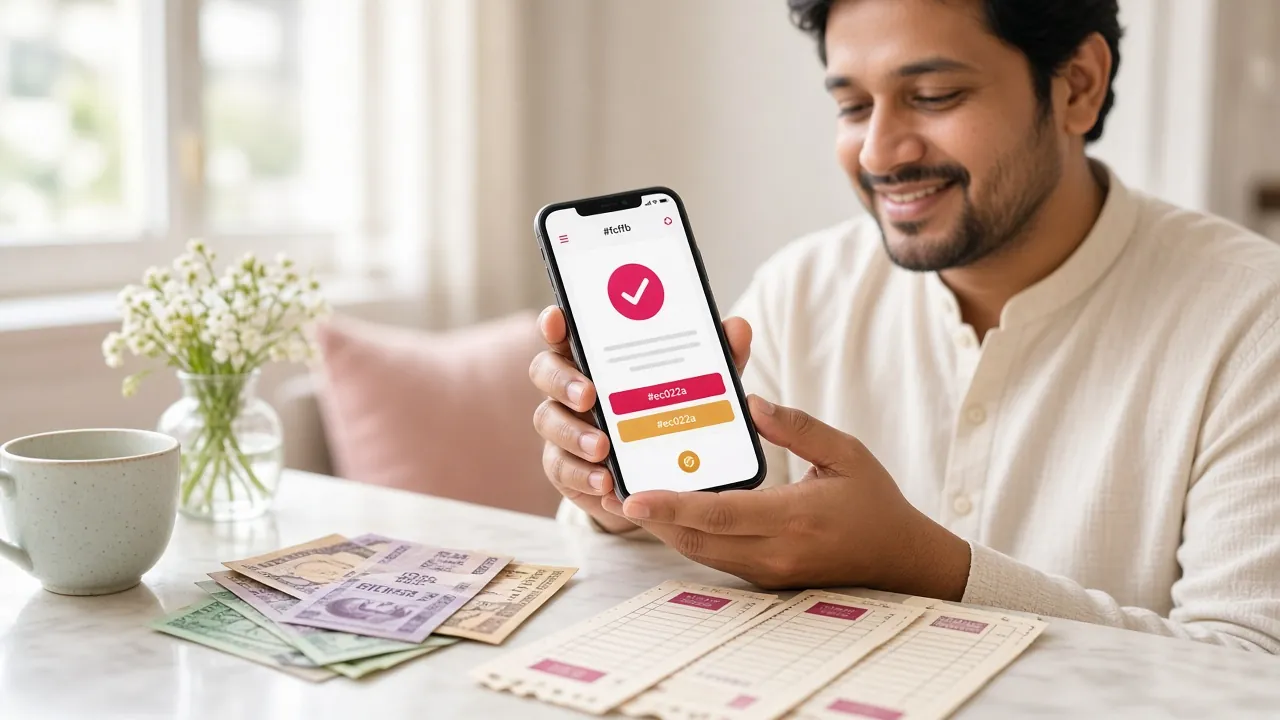
How to Send Money to Your b66 Account
-
bKash
Deposit arrives in
~5 minWithdrawal processed in
~16 min -
Nagad
Deposit arrives in
~5 minWithdrawal processed in
~16 min -
Rocket
Deposit arrives in
~5 minWithdrawal processed in
~16 min -
Bank Transfer
Deposit arrives in
~30–60 minWithdrawal processed in
~16 min
Deposit via bKash
-
01
Open the Deposit Page
Log in to b66, go to My Account → Deposit, and select bKash as your payment method.
-
02
Note the b66 Merchant Number
Copy the bKash merchant number shown on screen. Only send money to this number — never to a number given in chat.
-
03
Send Money from Your bKash App
Open bKash, tap Send Money, enter the merchant number and your amount (minimum ৳150). Confirm with your PIN.
- Copy the Transaction ID (TrxID) from the bKash confirmation SMS.
- Return to b66 and paste the TrxID into the form. Click Confirm Deposit.
- Your balance updates within 5 minutes. If it does not, contact 24/7 Live Chat with your TrxID.
Deposit via Nagad
- Log in to b66, go to My Account → Deposit, select Nagad.
- Copy the Nagad merchant number displayed — do not use any other number.
- Open your Nagad app, tap Send Money, enter the merchant number and your amount (minimum ৳150).
- Enter your Nagad PIN to confirm. Save the TrxID from the confirmation screen.
- Paste the TrxID on b66's deposit form and click Confirm Deposit.
- Funds appear in your b66 wallet within 5 minutes.
Deposit via Rocket
- Select Rocket on the b66 deposit page.
- Dial *322# from your Rocket-linked number, choose Send Money.
- Enter the Rocket merchant number shown on b66 and your deposit amount (minimum ৳150).
- Confirm with your PIN. Note the TrxID from the confirmation SMS.
- Enter the TrxID in the b66 deposit form and submit.
Deposit via Bank Transfer
- Select Bank Transfer on the b66 deposit page. Full account details are shown after you pick an amount.
- Log in to your internet banking or visit a branch. Transfer the exact amount shown — do not round up or down.
- Save the bank transaction reference number.
- Paste the reference on the b66 deposit form and click Confirm Deposit.
- Bank transfers typically clear within 30–60 minutes during business hours. Nights and weekends may be slower.
Protect Your Wallet When You Deposit
Mobile wallet fraud is common in Bangladesh. These rules take 10 seconds to read and can save you a lot of money.
-
Never share your PIN or OTP. b66 support will never ask for your bKash, Nagad, or Rocket PIN or any one-time code. If someone asks, end the conversation and report it.
-
Reject calls that claim to be from b66 or your wallet provider. Real support uses Live Chat inside the site. Scammers often call pretending to "fix" a failed transaction.
-
Send money only to the number shown on the b66 deposit page at the time of your transaction. Do not use numbers saved from old messages or given by third parties.
-
Screenshot every transaction. Save the confirmation screen from your wallet app and the TrxID. This is your proof if anything goes wrong — Live Chat can resolve most issues within minutes when you have the TrxID.
-
Ignore SMS links claiming bonus top-ups or account alerts. Always log in directly at b66b66.net and check your wallet there. Never click links in SMS or WhatsApp from unknown senders.
-
Use a strong, unique password for your b66 account and enable any two-step option available. If you suspect your account has been accessed by someone else, change your password immediately and contact Live Chat.
b66 Deposit Not Showing? Work Through These Causes
Most deposit issues are solved in under 5 minutes once you know what to check.
I sent money but my b66 balance has not changed after 10 minutes.
Possible cause: You forgot to submit the TrxID on the deposit form, or the form timed out.
Fix: Go to My Account → Deposit History. If the transaction shows "Pending", open Live Chat (available 24/7), share your TrxID, and an agent will credit your account manually within a few minutes. If the transaction is not listed at all, re-enter the TrxID on the deposit form.
The money left my bKash but b66 says the deposit failed.
Possible cause: A network timeout between the payment gateway and b66's server. The deduction happened but the confirmation did not arrive.
Fix: Do not send the money again. Contact Live Chat straight away with your TrxID and the exact amount. The team can verify the payment on their end and apply the funds. Keep your bKash SMS as backup proof.
I entered the wrong TrxID in the deposit form.
Possible cause: Copy-paste error or the confirmation SMS was cut off.
Fix: Open Live Chat and explain the situation. Share the correct TrxID (copy it directly from your bKash/Nagad app transaction history) and the timestamp of the payment. Support can match the payment on their end. This is why keeping a screenshot matters.
My withdrawal was returned to my b66 wallet instead of my bKash.
Possible cause: The name on your b66 account does not match the name registered on your mobile wallet, or your wallet number was entered incorrectly.
Fix: Check that the withdrawal number in your profile matches your wallet number exactly. If the name does not match, you may need to complete identity review first (National ID Card, Passport, or Driving Licence). Contact Live Chat to re-process once the details are corrected.
The deposit page is not loading or the merchant number is not showing.
Possible cause: Browser cache issue, or a brief system maintenance window.
Fix: Clear your browser cache or try in a different browser. You can also use the b66 Android app (version 3.9.14, 28 MB, Android 7.0 or above) — download it from the APK page. The app deposit flow is faster and less prone to timeout issues. If the problem continues, check Live Chat for any maintenance notices.
I deposited below the minimum and nothing happened.
Possible cause: Deposits under ৳150 are automatically rejected by the system.
Fix: If the payment left your wallet but was rejected, it is typically returned within a few minutes. Contact Live Chat if it does not return within 30 minutes, and share your TrxID. Going forward, always deposit at least ৳150 in a single transaction.
What Happens to ৳1,000 From the Moment You Deposit
This is a worked example using real numbers from the site. All figures are illustrative — your actual bonus depends on your deposit amount.
-
Step 1 — Send ৳1,000 via bKash
You deposit ৳1,000 (well above the ৳150 minimum). The money leaves your bKash in seconds. You enter the TrxID on the deposit form and confirm.
-
Step 2 — Balance lands (~5 minutes)
Your b66 wallet shows ৳1,000. The 245% welcome bonus adds ৳2,450 in bonus funds — total playing balance ৳3,450. The bonus cap is ৳23,500, so a ৳1,000 deposit is fully covered.
-
Step 3 — Meet the wagering requirement
Wagering requirement is 22×. Applied to the bonus amount: 22 × ৳2,450 = ৳53,900 total turnover needed. You play slots, fishing, and casino games — each spin or bet counts toward this total. There is no deadline beyond the standard 7-day validity window.
-
Step 4 — Daily cashback along the way
While working through the wagering, you also earn 1.5% daily cashback on net losses. If you lose ৳500 in a day, that returns ৳7.50 automatically — it softens downswings.
-
Step 5 — Withdraw your winnings
Once wagering is complete, any balance above zero is real money you can withdraw. Minimum withdrawal is ৳1,200. You pick bKash, enter your wallet number, and funds arrive within about 16 minutes. First-time withdrawals go through a brief identity review (allow up to 1 hour).
From Submit to Spins — Every Stage of Your Deposit
Here is what happens between the moment you tap "Confirm Deposit" and when you see chips in your b66 wallet. Some stages can be faster; a few things can slow them down.
-
You submit the deposit form0 min
You paste the TrxID and click Confirm. The request enters b66's payment queue instantly.
-
Gateway verification~1–2 min
The payment gateway confirms the TrxID with bKash, Nagad, or Rocket. This step is fully automated. High traffic periods — especially during IPL or BPL match days — can add a minute or two.
-
Automated fraud check~1 min
b66's system checks that the TrxID is valid, the amount matches, and the wallet is linked to your account. This rarely takes more than a minute unless the system flags an unusual pattern for a manual review.
-
Funds credited to your b66 wallet~5 min total
Your wallet balance updates and you receive a confirmation. Mobile wallet deposits (bKash, Nagad, Rocket) are typically done within 5 minutes end to end. Bank Transfer takes 30–60 minutes during banking hours.
-
What can slow things downVariable
Wrong TrxID entered, name mismatch between your b66 profile and your wallet account, sending below ৳150, or a bKash/Nagad system outage. If 15 minutes have passed and nothing has arrived, contact 24/7 Live Chat with your TrxID and screenshot.
-
First withdrawal — identity reviewUp to 1 hour
Your first withdrawal triggers an identity review. Have your National ID Card, Passport, or Driving Licence ready. Review typically completes within 2 hours; most cases are done in under 1 hour. After that, withdrawals process in about 16 minutes.
Quick Reference Times
| Action | Time |
|---|---|
| bKash / Nagad / Rocket deposit | ~5 min |
| Bank Transfer deposit | 30–60 min |
| Standard withdrawal | ~16 min |
| First-time withdrawal | Up to 1 hr |
| Identity review | Up to 2 hr |
Still waiting?
If your deposit has not arrived after 15 minutes, open Live Chat. Support is available 24/7. Have your TrxID and deposit screenshot ready — most issues are resolved in one conversation.
Questions Players Ask Before Their First b66 Deposit
What is the minimum deposit at b66?
The minimum deposit is ৳150 per transaction. There is no maximum deposit limit stated, but the first deposit bonus caps at ৳23,500 in bonus funds. Send at least ৳150 in a single transfer — splitting into smaller amounts that each fall below ৳150 will not work.
Can I deposit using someone else's bKash account?
No. The name on your mobile wallet must match the name on your b66 account. Sending from a wallet registered in another person's name will cause your deposit to fail during the fraud check, and can result in withdrawal delays later. Use only your own bKash, Nagad, or Rocket account.
Does b66 charge a fee for deposits?
b66 does not charge a deposit fee. However, bKash and Nagad may deduct a small Send Money fee from your wallet (this is set by the wallet provider, not by b66). To deposit exactly ৳500, you may need to send ৳500 plus whatever fee bKash charges — check your wallet app for its current fee schedule.
How do I claim the first deposit bonus after paying in?
The 245% welcome bonus is applied automatically to your first deposit, up to a cap of ৳23,500 in bonus funds. You do not need to enter a code. Once your deposit is credited, check the Bonus section of My Account to confirm it has been activated. The wagering requirement is 22× the bonus amount, with a 7-day validity window to complete it.
I want to deposit on my phone — is the app easier than the browser?
Many players find the b66 app more reliable for deposits. The app (version 3.9.14, 28 MB, Android 7.0 or above) has a dedicated deposit screen that opens your bKash or Nagad app directly after you enter the amount. Download it from the b66 APK page. It is free and does not need to be installed from the Play Store.
What happens if the bKash server is down when I try to deposit?
If bKash or Nagad has a known outage, the payment gateway on b66 will show an error before you send any money — no charge will leave your wallet. If money did leave your wallet during an outage and your b66 balance did not update, contact Live Chat with your TrxID. The team will verify the payment log and credit your account manually once the wallet provider's servers are back online.
Ready to Make Your First Deposit?
Open an account in a few minutes, top up with ৳150 or more via bKash or Nagad, and your 245% welcome bonus lands automatically — up to ৳23,500 in bonus funds.
18+ · Play Responsibly · Minimum deposit ৳150 · Wagering 22× bonus · Terms apply