Open Your b66 Register Account & Claim a Welcome Bonus
New players in Bangladesh can sign up in under three minutes. Enter your phone number, set a secure password and make your first deposit via bKash, Nagad, Rocket or bank transfer to unlock the welcome bonus.
- SSL Encrypted
- 18+ Only
- 24/7 Support
- bKash & Nagad
Create Account — It's Free
How to Complete Your Registration
The whole process takes under three minutes on mobile or desktop. Follow these four steps to get your account live and ready to play.
-
01
Open the Registration Page
Go to b66b66.net/b66b66-register/ from any browser on your phone or desktop. If you use the b66 app, tap the Register button on the home screen. The page loads instantly — no VPN needed for Bangladesh.
-
02
Fill in Your Details
Enter your Bangladesh mobile number (11 digits, starts with 01), create a password of at least 8 characters mixing letters and numbers, and confirm it. If a friend referred you, paste their referral code into the optional field to earn ৳300 each. Tick the age and terms checkbox.
-
03
Verify Your Phone Number
After submitting the form, a one-time verification code (OTP) is sent to your mobile number via SMS. Open your messages app, copy the code and paste it into the confirmation field within 5 minutes. Tap Confirm to activate your account. If the OTP does not arrive, check that the number you entered is correct, then request a resend.
-
04
Make Your First Deposit
Log in, go to Wallet > Deposit, choose bKash, Nagad, Rocket or bank transfer, and send a minimum of ৳150. Funds arrive within about 5 minutes. Your welcome bonus is credited automatically as soon as the deposit clears — you do not need to enter a bonus code.
What Information You Need to Sign Up
The b66 registration form asks for only four fields. Here is exactly what each one requires so you can fill it in correctly the first time.
| Field | Requirement | Notes |
|---|---|---|
| Mobile Number | 11 digits, starts with 01 (BD only) | Used for OTP verification and account recovery. One account per number. |
| Password | Min. 8 characters; letters + numbers recommended | Avoid obvious sequences like 12345678. Do not reuse passwords from other sites. |
| Confirm Password | Must exactly match the password field above | Use the eye icon to reveal both fields if you are unsure they match. |
| Referral Code | Optional — alphanumeric code from an existing player | Both you and the referring player receive ৳300 after your first qualifying deposit. |
| Terms Agreement | Checkbox must be ticked | Confirms you are 18 or older and agree to the site rules. Mandatory. |
You do not need an email address at this stage. Full identity documents (NID, Passport or Driving Licence) are only required before your first withdrawal, not at sign-up.
Why Your b66 Registration Might Fail
Most sign-up problems have a simple fix. Find your error message in the table below and follow the solution — most are resolved in under a minute.
| Error / Symptom | Likely Cause | Fix |
|---|---|---|
| "Phone number already registered" | You previously created an account with this number, possibly with a different password. | Go to the login page and use the Forgot Password link to reset access. |
| "Invalid phone number format" | Number does not start with 01, contains spaces, or has fewer than 11 digits. | Remove spaces or country code prefixes (do not include +880). Re-enter as 01XXXXXXXXX. |
| "Passwords do not match" | Autocomplete or a typo caused the two password fields to differ. | Use the eye icon to show both fields, then type them again manually. |
| OTP did not arrive | SMS delay, wrong number entered, or the number is on a Do Not Disturb list. | Wait 60 seconds, tap Resend OTP. If still nothing, check the number and try again or contact 24/7 live chat. |
| "OTP expired" | More than 5 minutes passed before the code was entered. | Request a fresh OTP via the resend link. Keep the page open and enter the new code promptly. |
If none of the above solves the issue, open the 24/7 live chat window from any page and share a screenshot of the error. The support team typically responds within two minutes.
Your Welcome Bonus After Signing Up
After completing b66 registration and making your first deposit, a bonus is added to your account automatically. Here is exactly what you receive and what the conditions are.
Deposit ৳150 and you receive ৳517 in bonus funds on top. The maximum bonus payout is capped at ৳23,500 on a single first deposit.
Refer a friend with your personal code. When they deposit for the first time, you both earn ৳300 credited to your wallet.
| Condition | Value |
|---|---|
| Minimum deposit to trigger bonus | ৳150 |
| Bonus percentage | 245% |
| Maximum bonus amount | ৳23,500 |
| Wagering requirement | 22× bonus amount |
| Bonus validity | 7 days from credit |
| Eligible games | Slots, Fishing, Crash, Live Casino |
| Reload bonus (subsequent deposits) | 29% |
| Daily cashback | 1.5% on net losses |
Wagering example: Deposit ৳1,000 → receive ৳2,450 bonus → wager ৳2,450 × 22 = ৳53,900 across eligible games within 7 days to unlock withdrawal of bonus winnings. See full terms for exclusions.
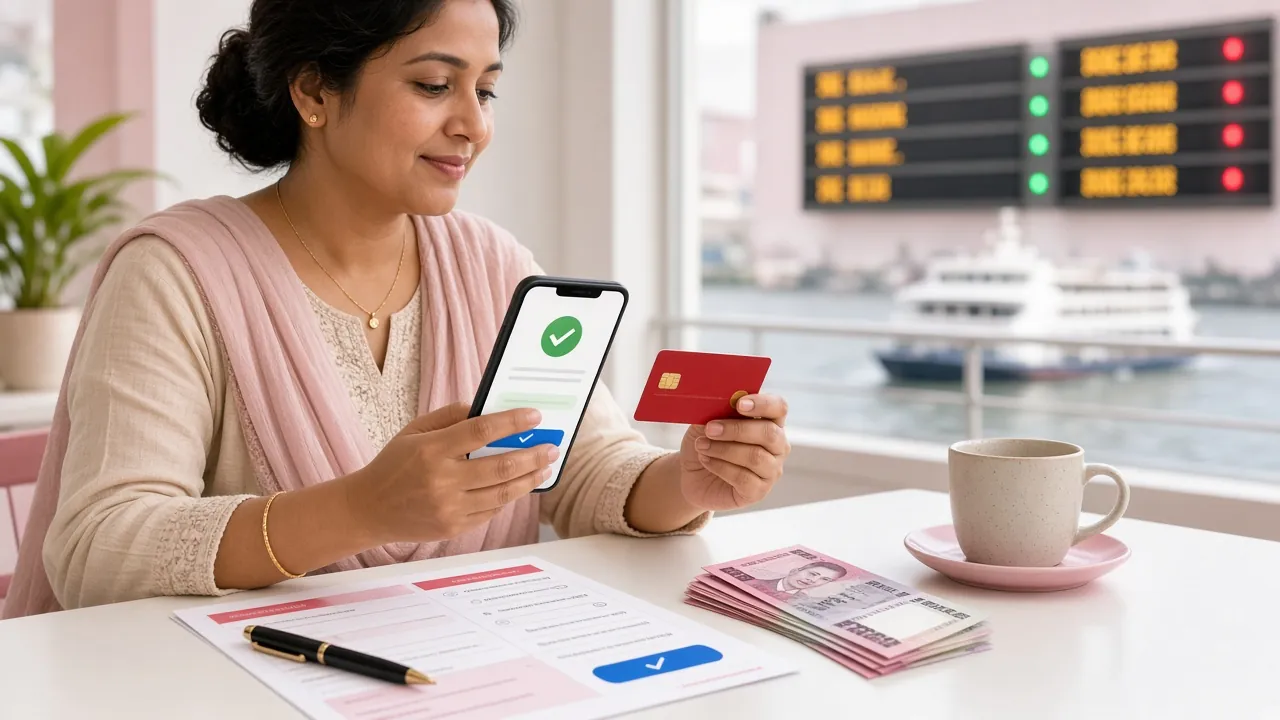
How to Make Your First Deposit on b66
Once your account is live, follow these steps to fund it. The minimum deposit is ৳150 and money arrives in your wallet in about 5 minutes via bKash or Nagad.
-
1
Log In to Your Account
Go to b66b66.net/b66b66-login/ and enter your registered mobile number and password. If you are on Android, you can also open the b66 app — download it from the APK page.
-
2
Go to Wallet > Deposit
Tap the wallet icon at the top right of the screen. Select Deposit from the dropdown. You will see the available methods: bKash, Nagad, Rocket and Bank Transfer.
-
3
Choose a Payment Method and Enter Amount
Select your preferred method — bKash is the fastest for most players. Enter an amount of ৳150 or more. The page shows you the exact merchant number to send to. Do not close the tab before confirming.
-
4
Send the Payment From Your Mobile Banking App
Open your bKash or Nagad app, send the amount to the displayed merchant number, and copy the transaction ID (TrxID). Return to the b66 deposit page and paste the TrxID into the confirmation field. Tap Submit.
-
5
Wait for Confirmation — Usually Within 5 Minutes
Your wallet balance updates within about 5 minutes. If more than 15 minutes pass with no update, go to Transaction History, find the pending deposit and tap Contact Support with your TrxID. The 24/7 live chat team will verify it immediately.
Common Questions About Registration
Why did my b66 registration fail even though I filled in everything correctly?
The most common hidden causes are: your mobile number is already linked to an existing account, your browser autofill pasted extra spaces into a field, or the OTP expired before you entered it. Clear the form, type each field manually, and submit again. If the problem repeats, open the 24/7 live chat and share a screenshot — the support team can check the account status directly and get you in within minutes.
I forgot the password I just set. How do I reset it?
Go to the login page and tap Forgot Password. Enter your registered mobile number. A new OTP is sent by SMS within 60 seconds. Enter the code, then set a new password. If your number changed since you signed up, contact live chat directly — they will ask you to confirm some account details before resetting access for you.
The OTP SMS is not arriving. What should I do?
First, confirm that the number you entered is correct — a single wrong digit routes the OTP to someone else. Second, check that your phone is not in flight mode and has a signal. Third, wait a full 60 seconds before tapping Resend OTP. If the OTP still does not arrive after two resend attempts, contact 24/7 live chat. Some operators filter promotional SMS; the support team can verify your account through an alternative channel.
Can I register on the b66 mobile app instead of the website?
Yes. Download the b66 APK (version 3.9.14, 28 MB, Android 7.0 or later, completely free). Once installed, tap Register on the home screen. The form and steps are identical to the website, and your account works across both — log in on the app or browser interchangeably with the same credentials. iOS players should use the mobile browser version for now.
Is there a document check before I can start playing?
No document check is required at sign-up or to place bets. Identity verification is only needed before processing your first withdrawal — you will need to upload one of: National ID Card (NID), Passport, or Driving Licence. The review takes up to 2 hours. It is worth preparing your document scan in advance so your first withdrawal goes through without delay once you are ready to cash out.
Why has my welcome bonus not appeared after my first deposit?
The bonus credits automatically once your deposit is confirmed — no code is needed. If it has not appeared after 10 minutes, check two things: first, make sure your deposit met the minimum of ৳150; second, confirm you registered as a new player (bonus is for first-time accounts only). If both conditions are met and the bonus is still missing, open live chat with your deposit TrxID and the team will credit it manually within minutes.